Visitors who speak another language
The visitor reads the form and chooses their reason in their language. They need no help to check in at reception.
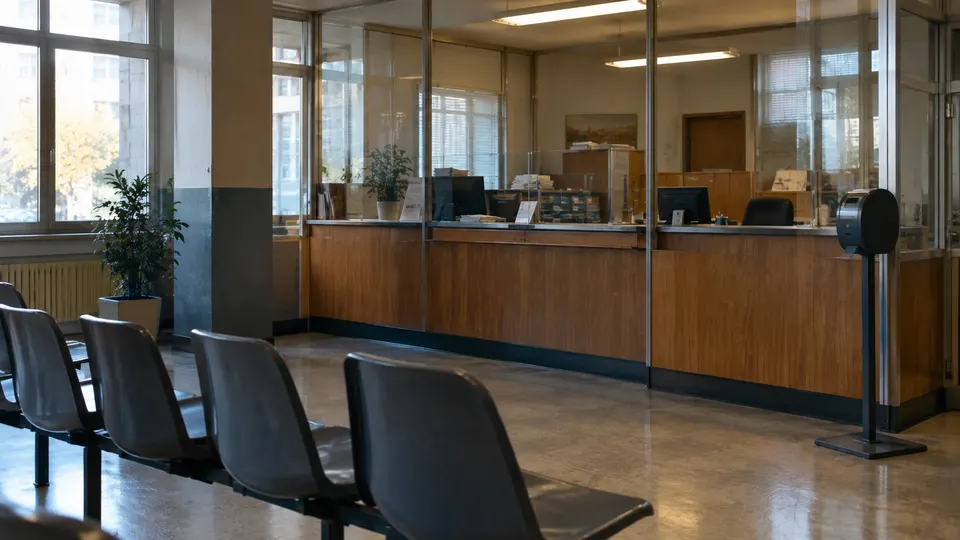
For town halls, public administrations, driving schools and associations. The visitor gives their name and the reason for their visit in the waiting room.
The QR code is displayed at the entrance or in the waiting room. The visitor scans it with their phone.
They give their name and the reason: a document to drop off or collect, an appointment, information or a payment.
The agent opens the form from the queue. They know what the visitor needs before calling them to the desk.
The starting form is short: name, reason for the visit and optional phone. The reasons can be replaced with those of your service.
Sector to choose at sign-up: Public service desk
Each field can be renamed, removed or added from the dashboard, with no development needed.
The customer and counter screens use these words, in the platform's seven languages.
the service desk
the agent
at the desk
Offered at sign-up, they are entered by hand or imported from a spreadsheet. Each one can be renamed or deleted.
The visitor reads the form and chooses their reason in their language. They need no help to check in at reception.
Usage statistics count the forms sent and the visits per hour. They never say who came.
The number of cases and the average time are entered or imported. Each agent finds their own on the terminal, with their code.
What the customer enters travels encrypted from their phone to your team's screen. The account keeps your sites, your team and your statistics, not the forms.