Group arrivals
When several guests arrive together, each one fills in their own form. Reception receives them in queue order.
For hotels, holiday residences and campsites. The guest fills in their arrival card on their phone while waiting. Reception can focus on welcoming guests and handing over keys.
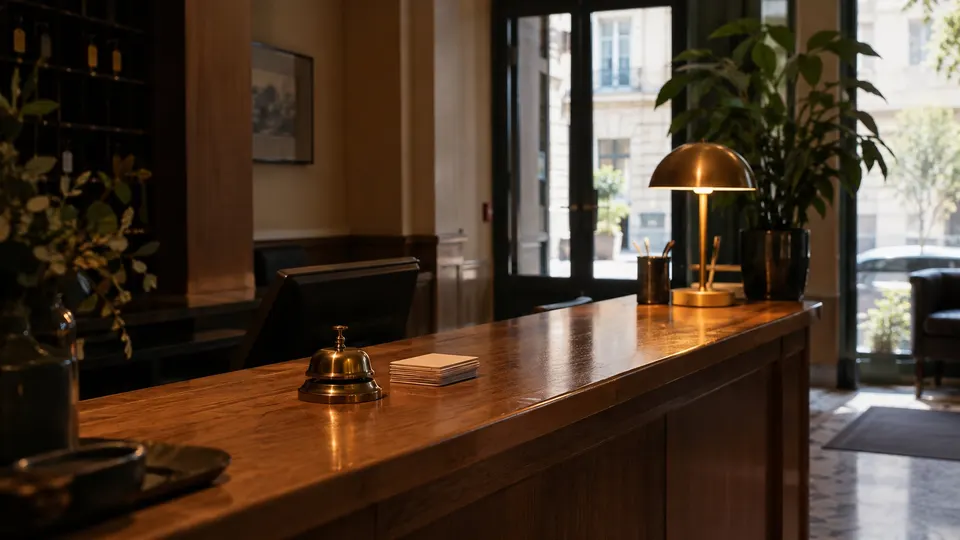
The QR code sits on the reception desk or in the lobby. The guest scans it with their phone's camera.
They enter their booking number, name, phone, email and address, in their language.
The receptionist opens their form from the queue. They copy its details into your hotel software.
The starting form follows the arrival card: booking, name, phone, email and home address, country included.
Sector to choose at sign-up: Hotel & lodging
Each field can be renamed, removed or added from the dashboard, with no development needed.
The customer and counter screens use these words, in the platform's seven languages.
the property
the receptionist
at the front desk
Offered at sign-up, they are entered by hand or imported from a spreadsheet. Each one can be renamed or deleted.
When several guests arrive together, each one fills in their own form. Reception receives them in queue order.
The guest reads the form in their language. The receptionist receives the same fields, whatever the guest's country.
The day's list reminds reception of what is left to offer, a sea-view suite for example. Each sale is logged in one click.
What the customer enters travels encrypted from their phone to your team's screen. The account keeps your sites, your team and your statistics, not the forms.