Morning drop-offs
When customers all arrive at opening time, each one fills in their form while waiting. The service advisor receives them in order of arrival.
For garages, workshops and dealerships. The customer enters their contact details, the registration number and the reason for their visit while they wait.
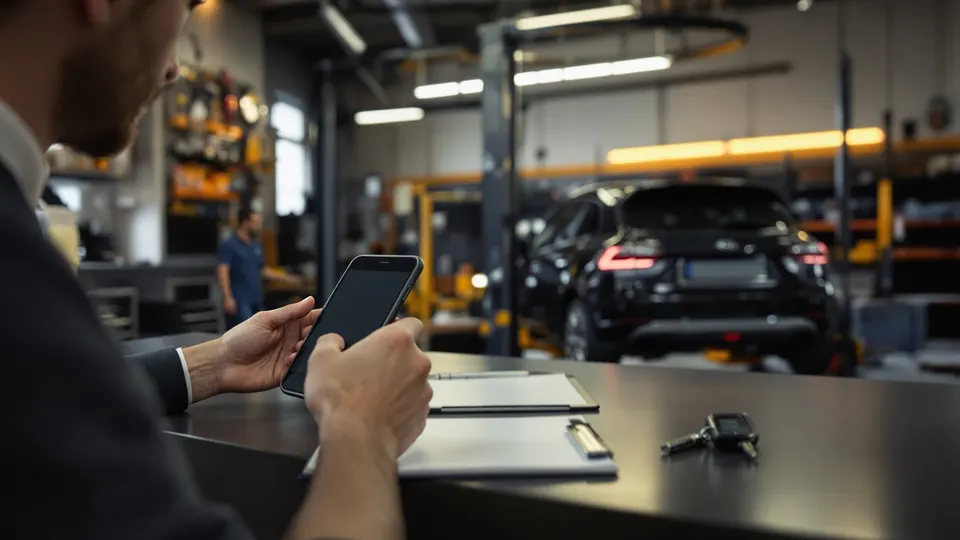
The QR code is displayed at the workshop reception. The customer scans it on arrival.
They enter their name, the registration, their phone and the reason: repair, servicing, quote or vehicle collection.
The service advisor opens the form from the queue. They copy its details into your workshop software.
The starting form covers what a workshop reception asks for: name, registration, phone, optional email and reason for the visit.
Sector to choose at sign-up: Garage & dealership
Each field can be renamed, removed or added from the dashboard, with no development needed.
The customer and counter screens use these words, in the platform's seven languages.
the workshop
the service advisor
at the front desk
Offered at sign-up, they are entered by hand or imported from a spreadsheet. Each one can be renamed or deleted.
When customers all arrive at opening time, each one fills in their form while waiting. The service advisor receives them in order of arrival.
The “Collect my vehicle” reason and the registration tell the advisor which vehicle to prepare before speaking to the customer.
The day's list reminds the counter of the packages to offer, a scheduled service for example. Accepted quotes are tracked in the team metrics.
Vehicles in for repair or in stock can also be kept in Parking. See Parking
What the customer enters travels encrypted from their phone to your team's screen. The account keeps your sites, your team and your statistics, not the forms.